The world of graphic design is dominated by Adobe Illustrator, and finding a suitable and reliable replacement in the open-source world is a serious undertaking. Well, at least it was until Inkscape came along. Inkscape is just as good as Adobe Illustrator, if not better. The only thing it lacks is the name and we're here to change that!
Bringing vector art to life
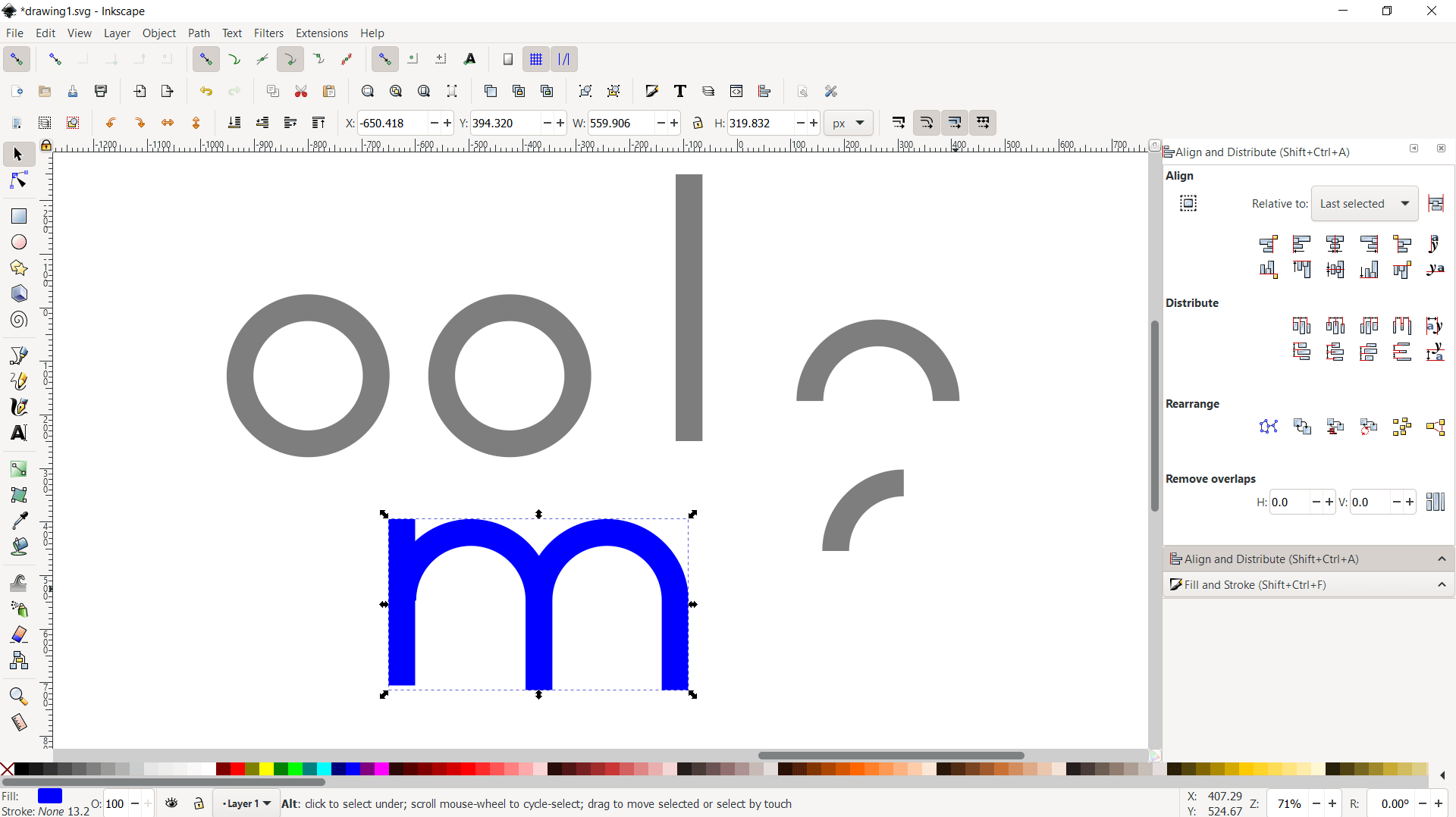
Utilizing its abundant set of features, Inkscape makes logo design, clip art, flowcharts, and cartoons come to life. It is perfect for someone looking to learn the principles of vector graphic creation. Unlike raster graphics, vector graphics render at unlimited resolution, allowing for sharper printouts.Extensive file format support
Inkscape's main format is SVG, supported by various applications including web browsers. But unlike other applications, Inkscape supports the import and export of all the major file formats, including AI, EPS, PDF, PS, and PNG.Handy tools and bitmap tracing
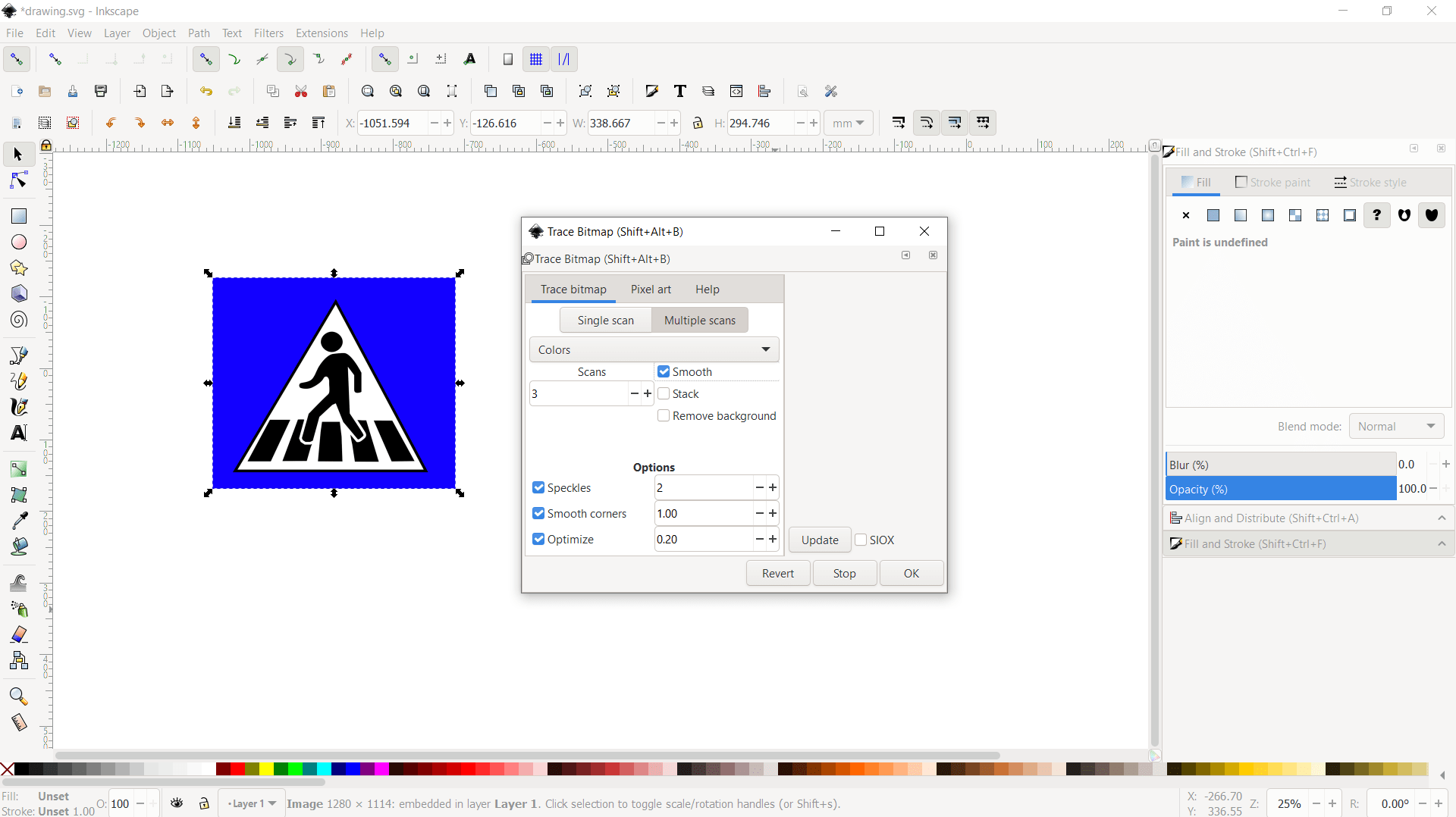
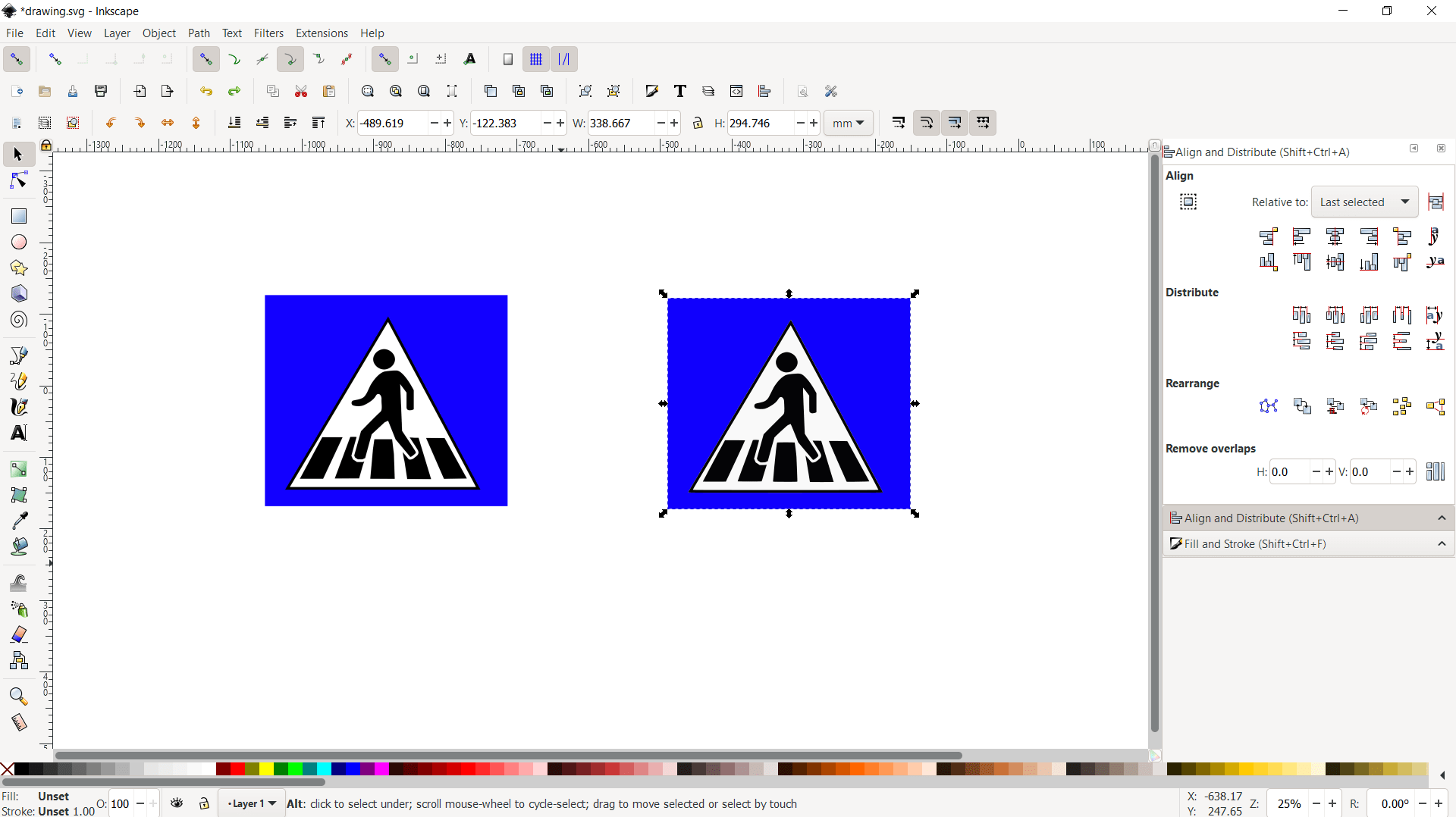
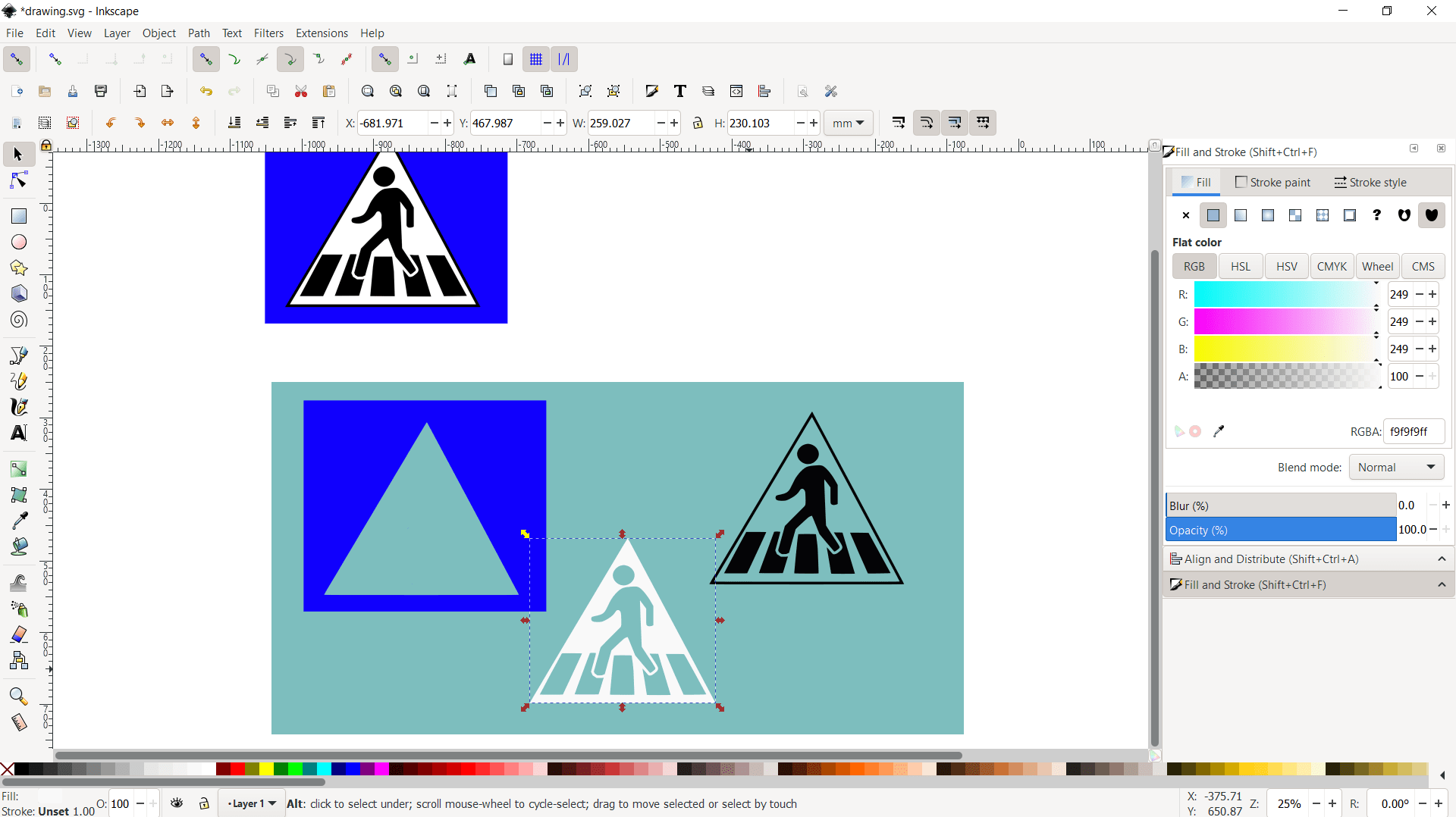
The convenient shortcuts for Spray, Eraser, and Gradient tools enable users to create stunning effects effortlessly. Its most comprehensive feature is certainly bitmap tracing, useful for upscaling raster image files for posters and boards.Community backing
Other than being open-source and free to use, Inkscape's biggest draw is its strong community. Assistance is at a mere click of a button via the "Help" menu, where you can find extensive manuals and tutorials ranging from beginner to advanced level. The app requires a bit of a longer learning curve, but it pays off in the end.A flexible workspace
Inkscape's interface can look a little bit overwhelming to a first-time user, but it's fully customizable to suit your needs. Once you get used to the way the windows can get rearranged, you will appreciate the flexibility down the road. It is worth mentioning that Inkscape is cross-platform with support for Windows, Linux, and macOS, and it receives constant maintenance with regular updates.